Free T-Shirt Template: Blank Front and Back Outlines
Five blank T-shirt outlines, front and back, drawn by a factory that sews T-shirts every day. Download the vector file to design on, the picture to drop into a mock-up, or the PDF to print and draw on.
A T-shirt template is a blank outline of a T-shirt, drawn flat, that you design on top of. It saves you drawing the garment before you can start on the idea. Each template here shows the front and the back at the same scale, with the seams, the neckband and the hems drawn in, so a print, a label or a colour block can be placed where it will really sit.
We are Collective Studio, a family-run knitwear factory in Narayanganj, Bangladesh. T-shirts are what our sewing floor makes most. The drawings are our own, made from the same shapes we use in our garment guides, and they are free to use.
The 5 templates
Each one is shown in full. Nothing is hidden behind a form, and no email address is asked for.
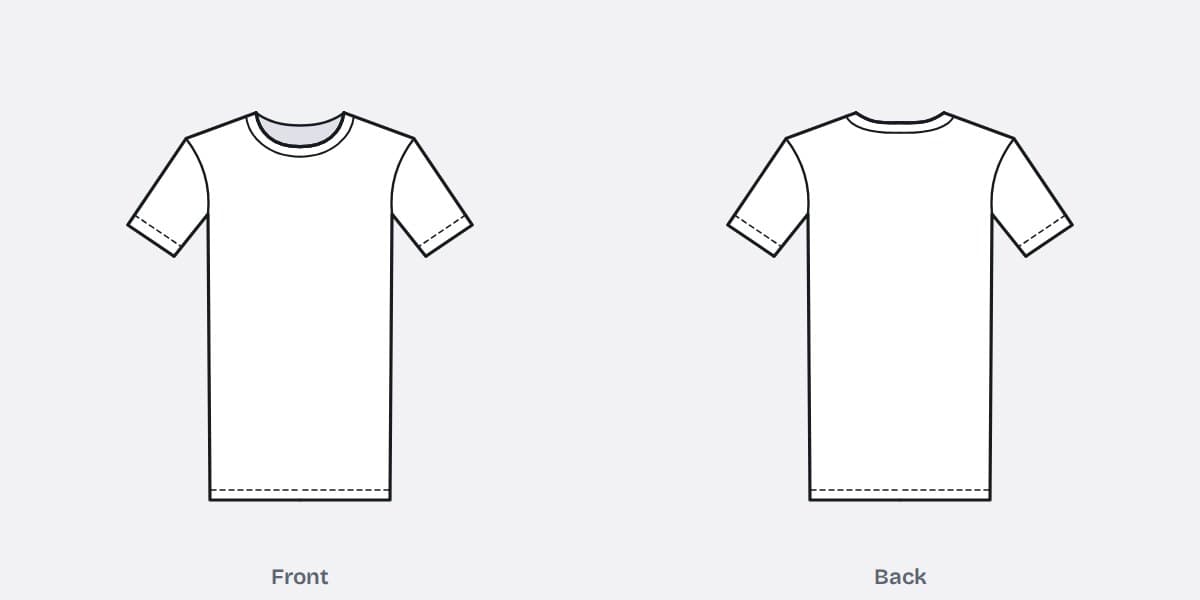
Crew neck T-shirt template
The standard T-shirt: round rib neckband, set-in short sleeves, straight hem.
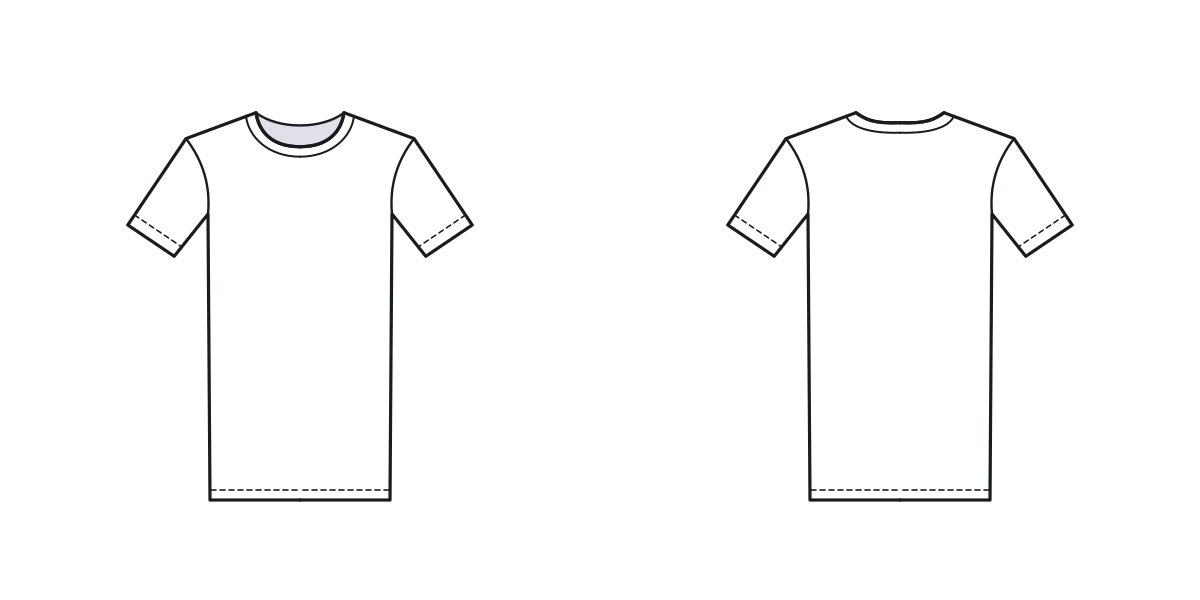
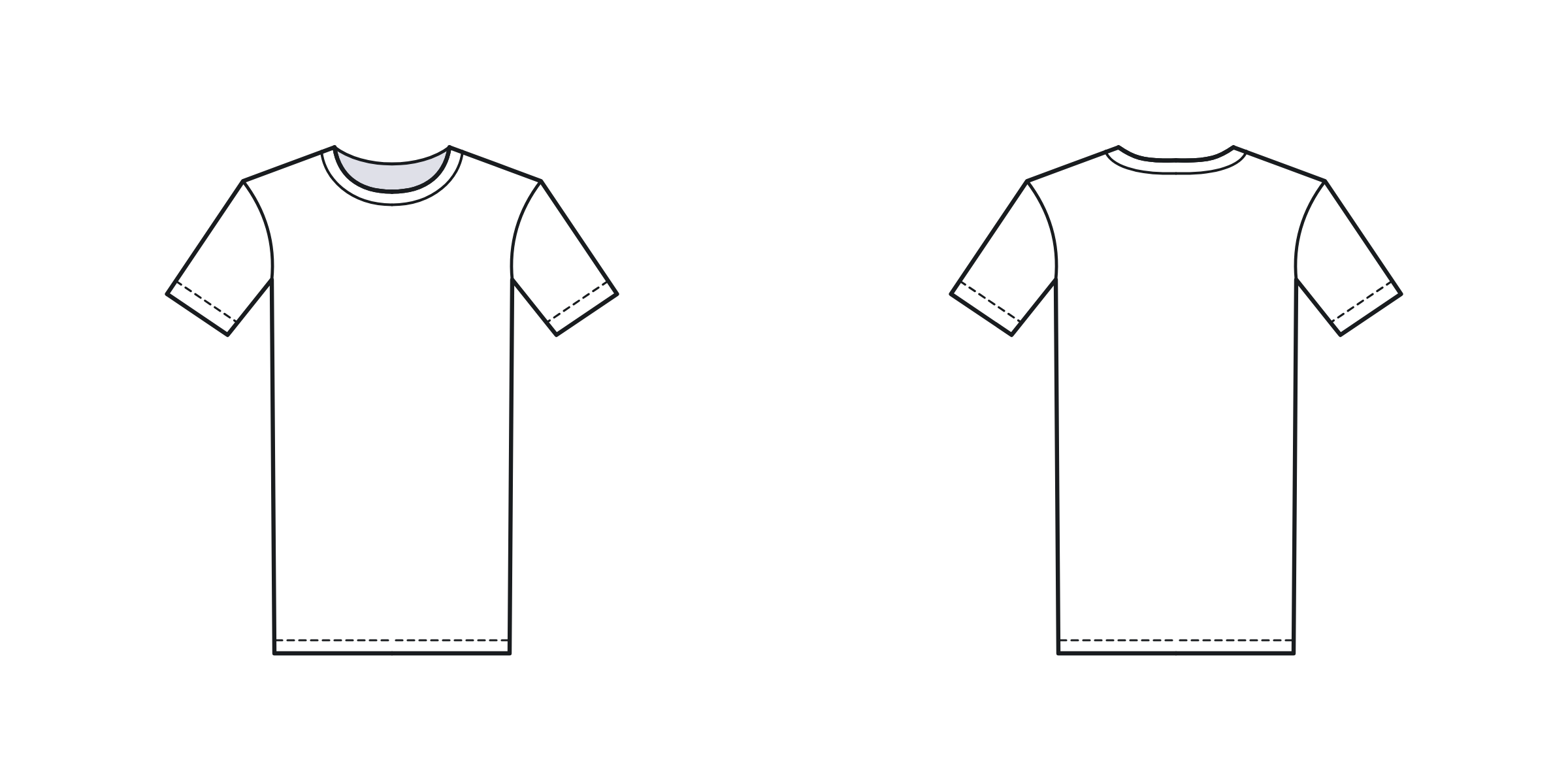
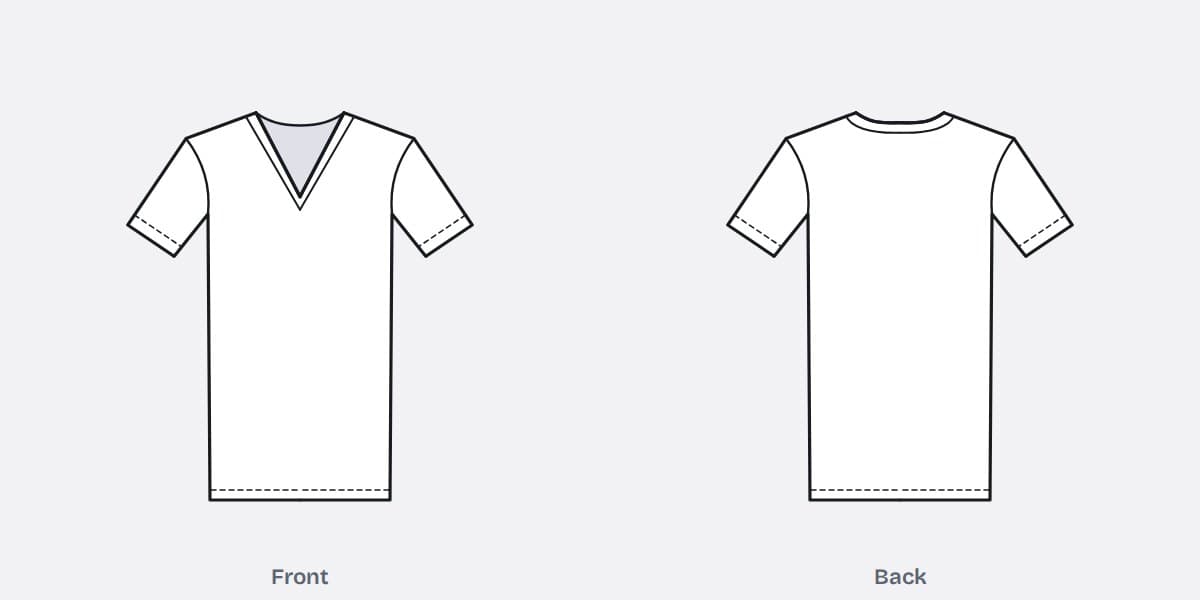
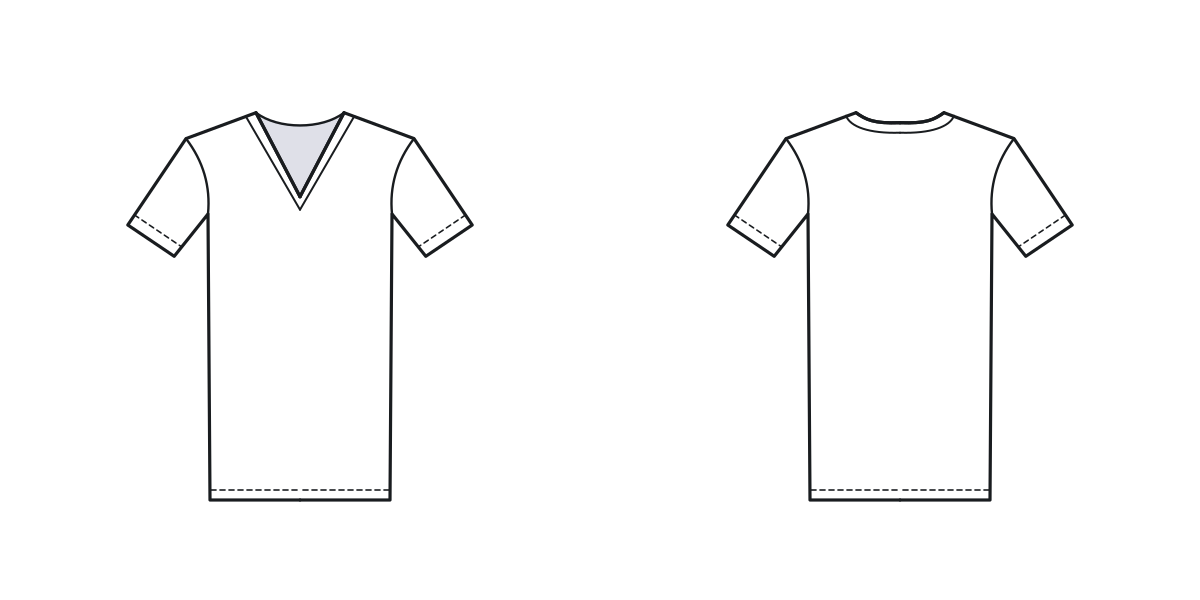
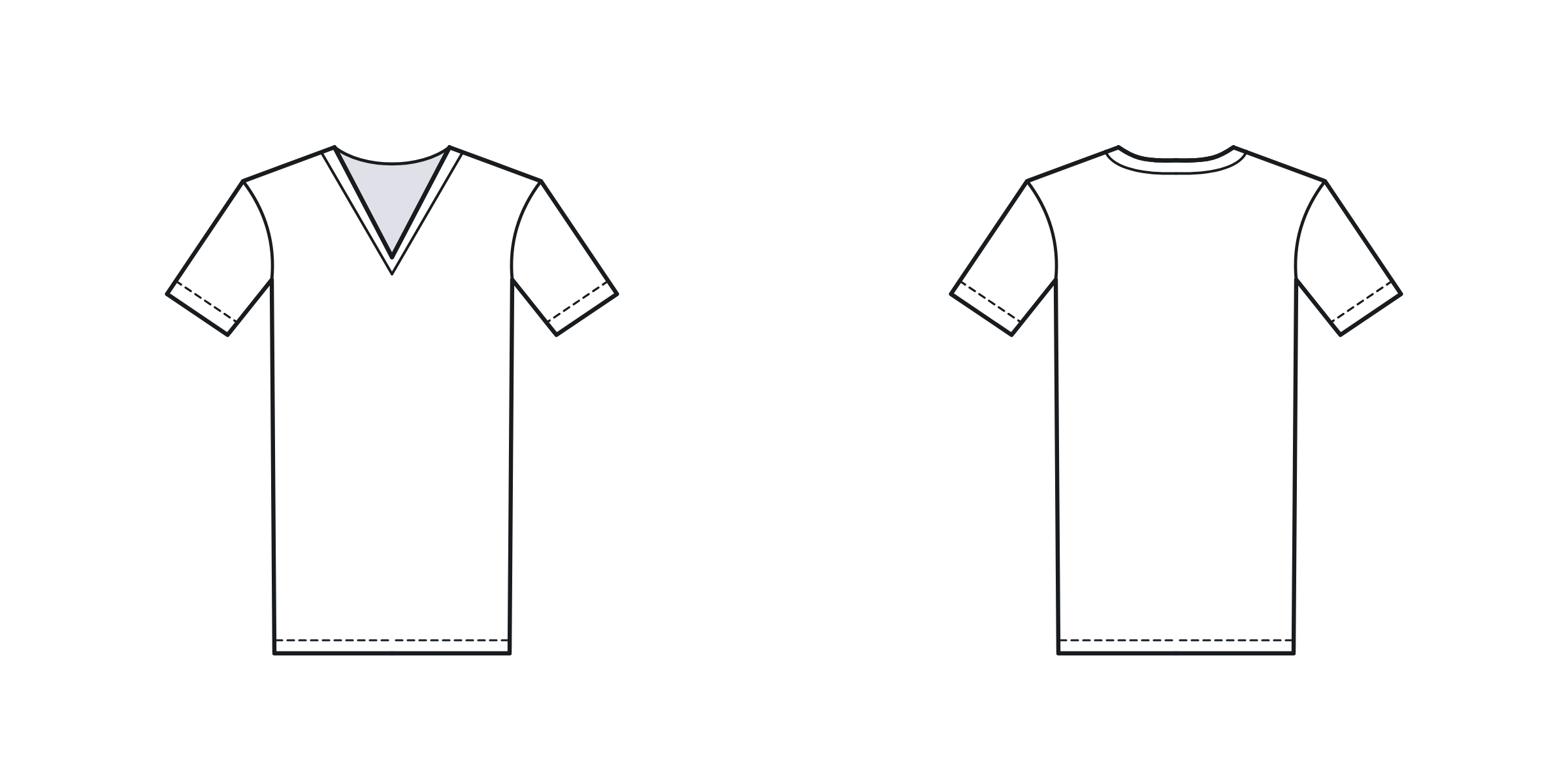
V-neck T-shirt template
The same body with a V neckline. The back neck stays round.
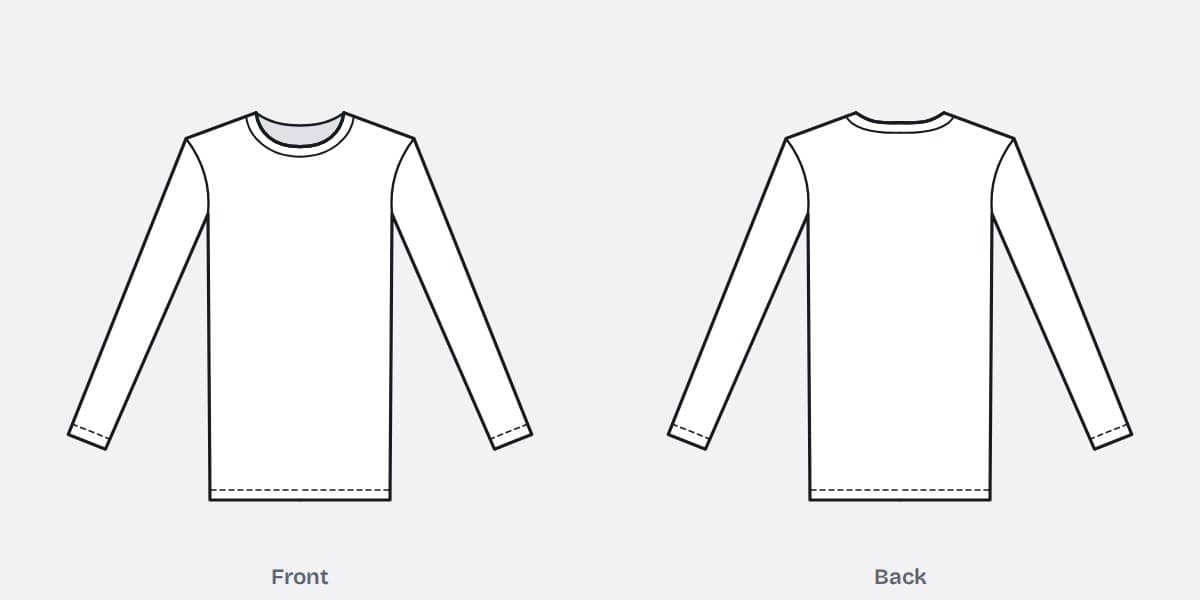
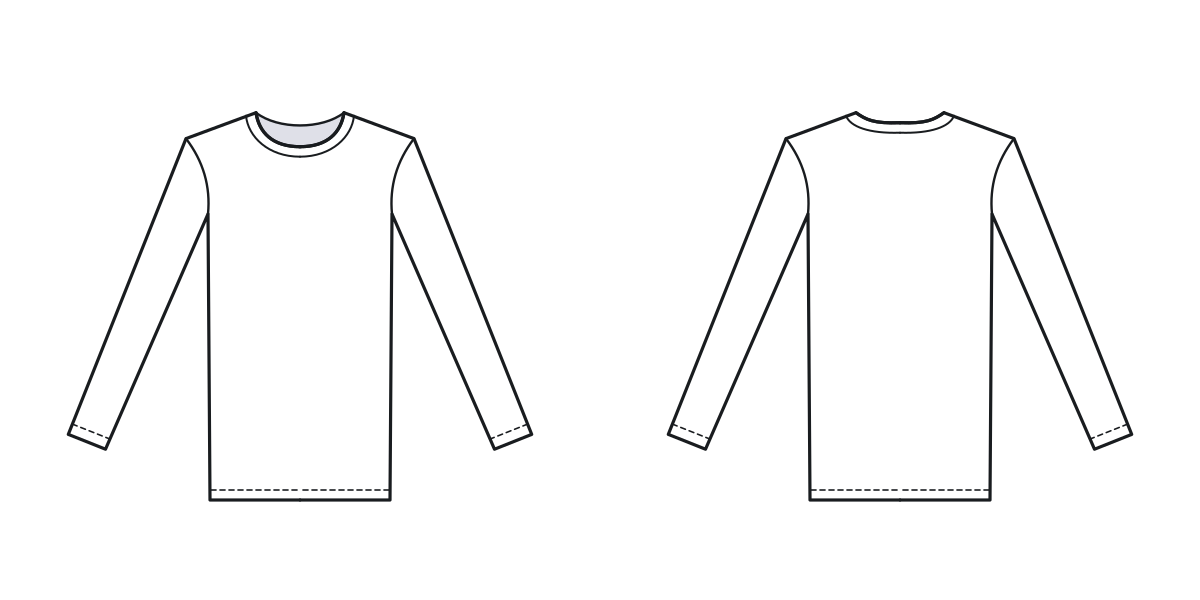
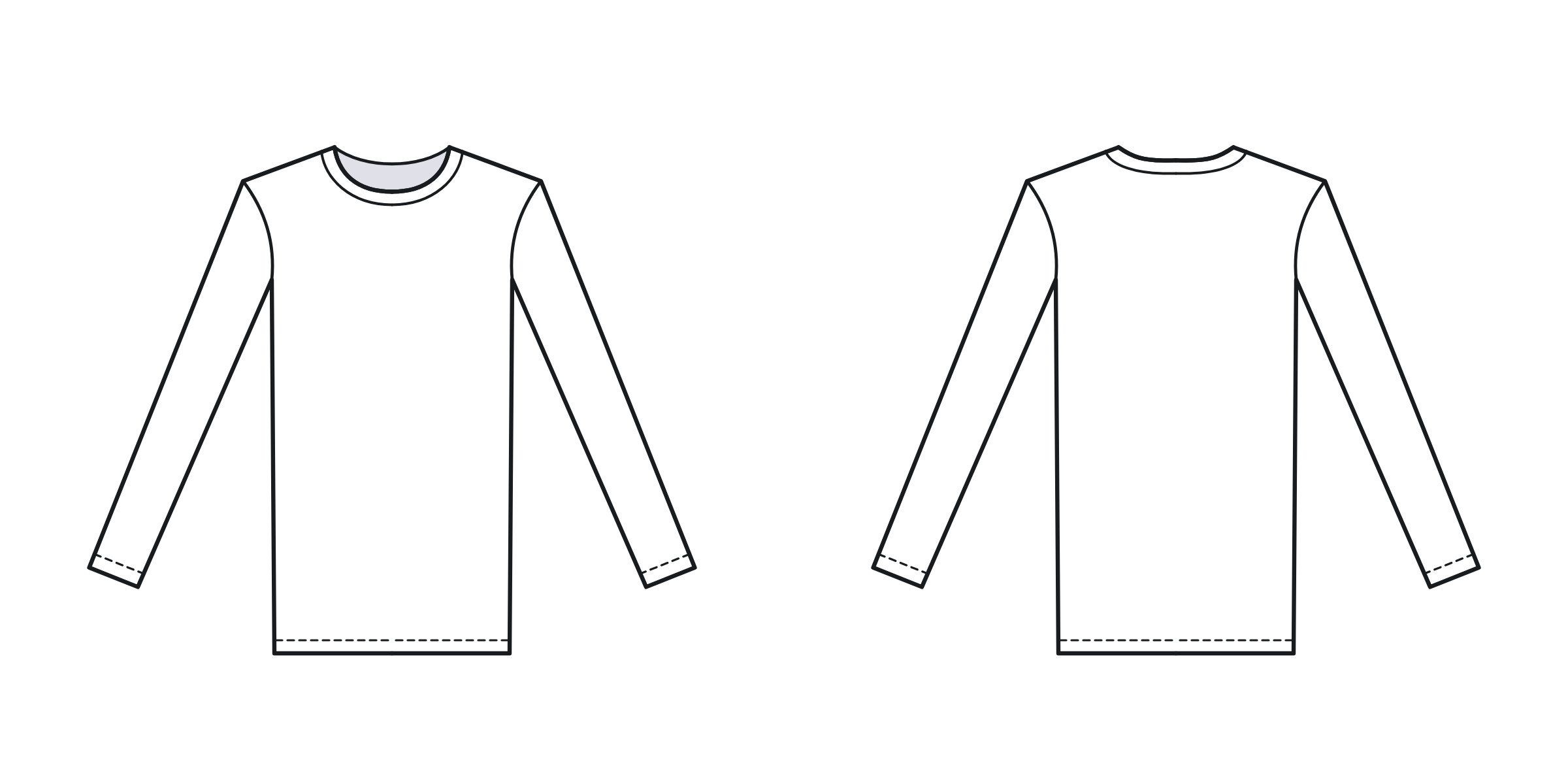
Long-sleeve T-shirt template
Full-length sleeves with a plain hemmed cuff.
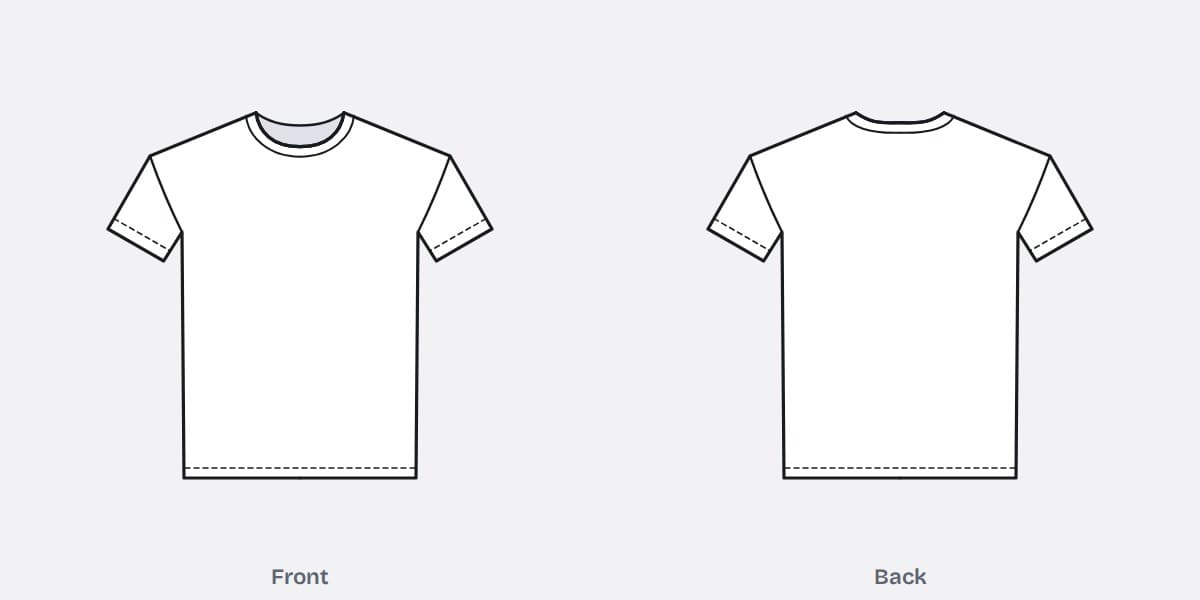
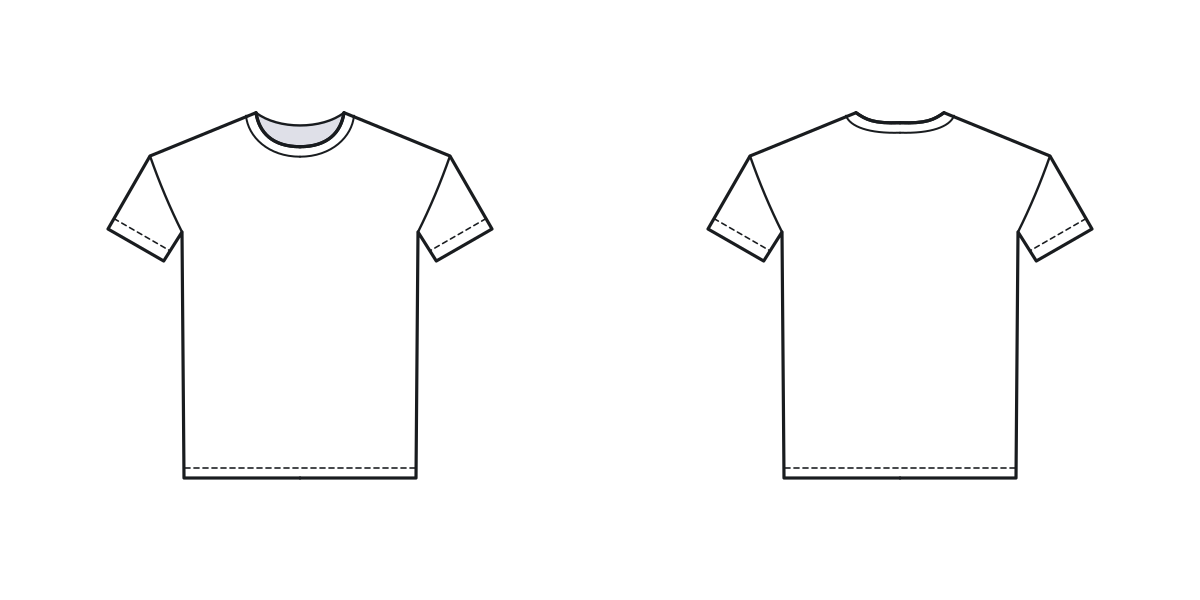
Oversized T-shirt template
A wider, boxy body with a drop shoulder, so the sleeve seam sits on the upper arm.
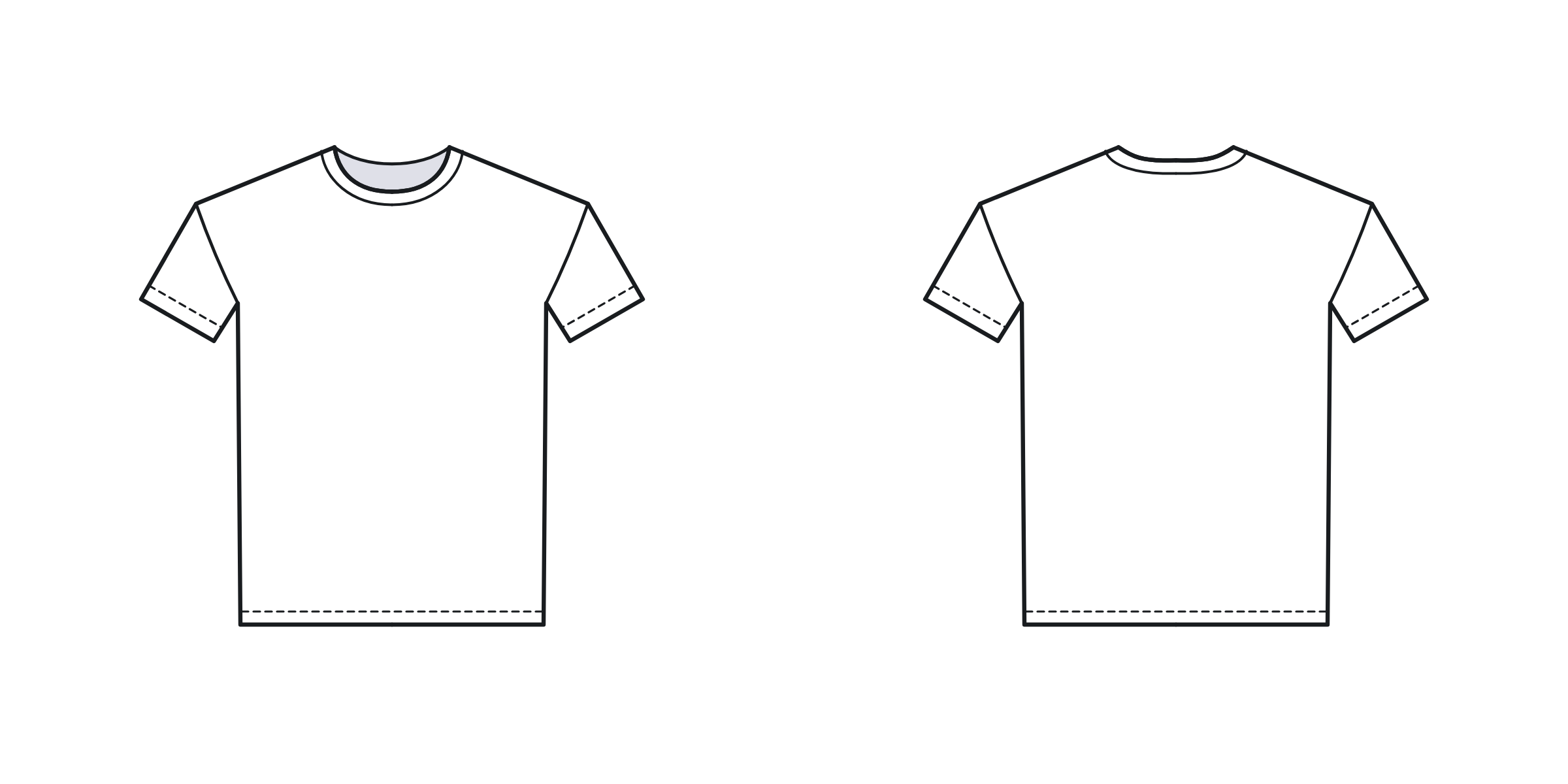
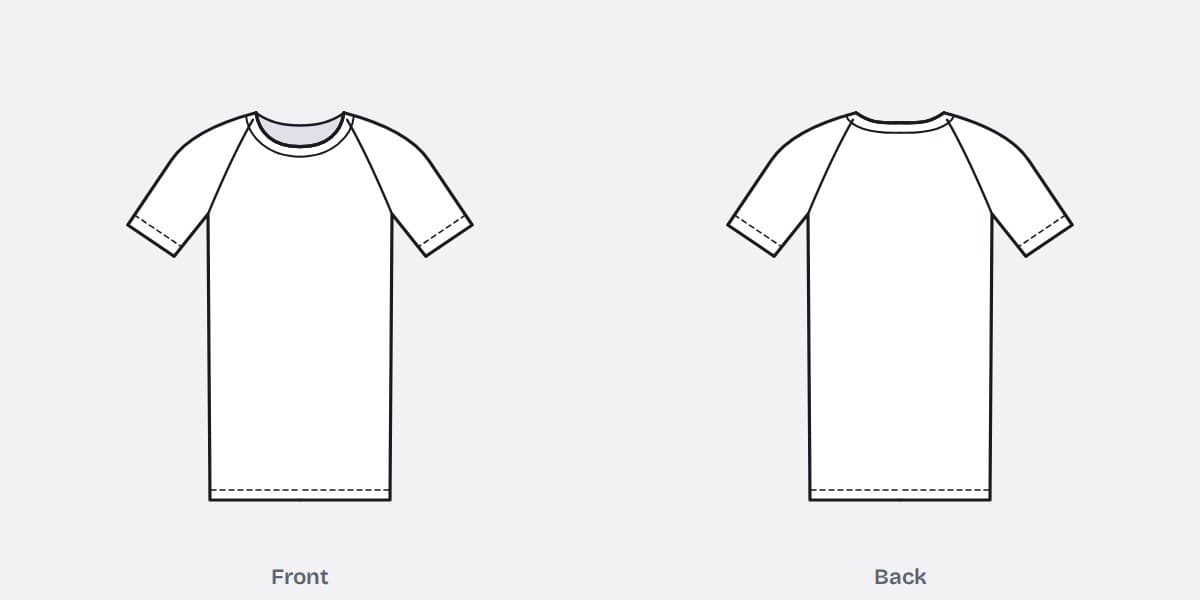
Raglan T-shirt template
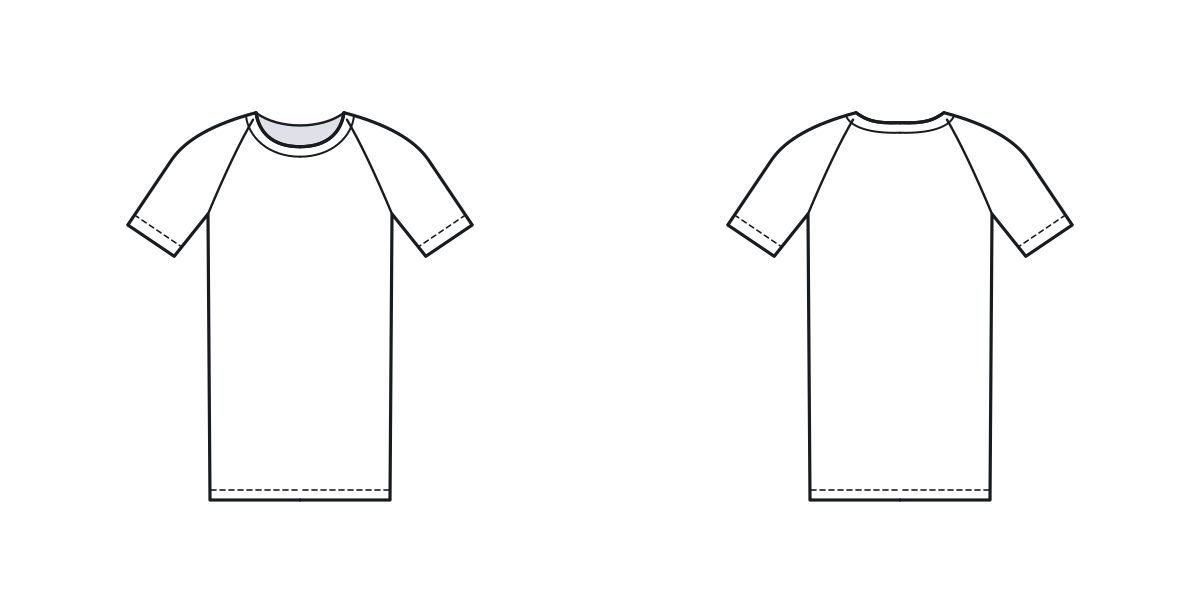
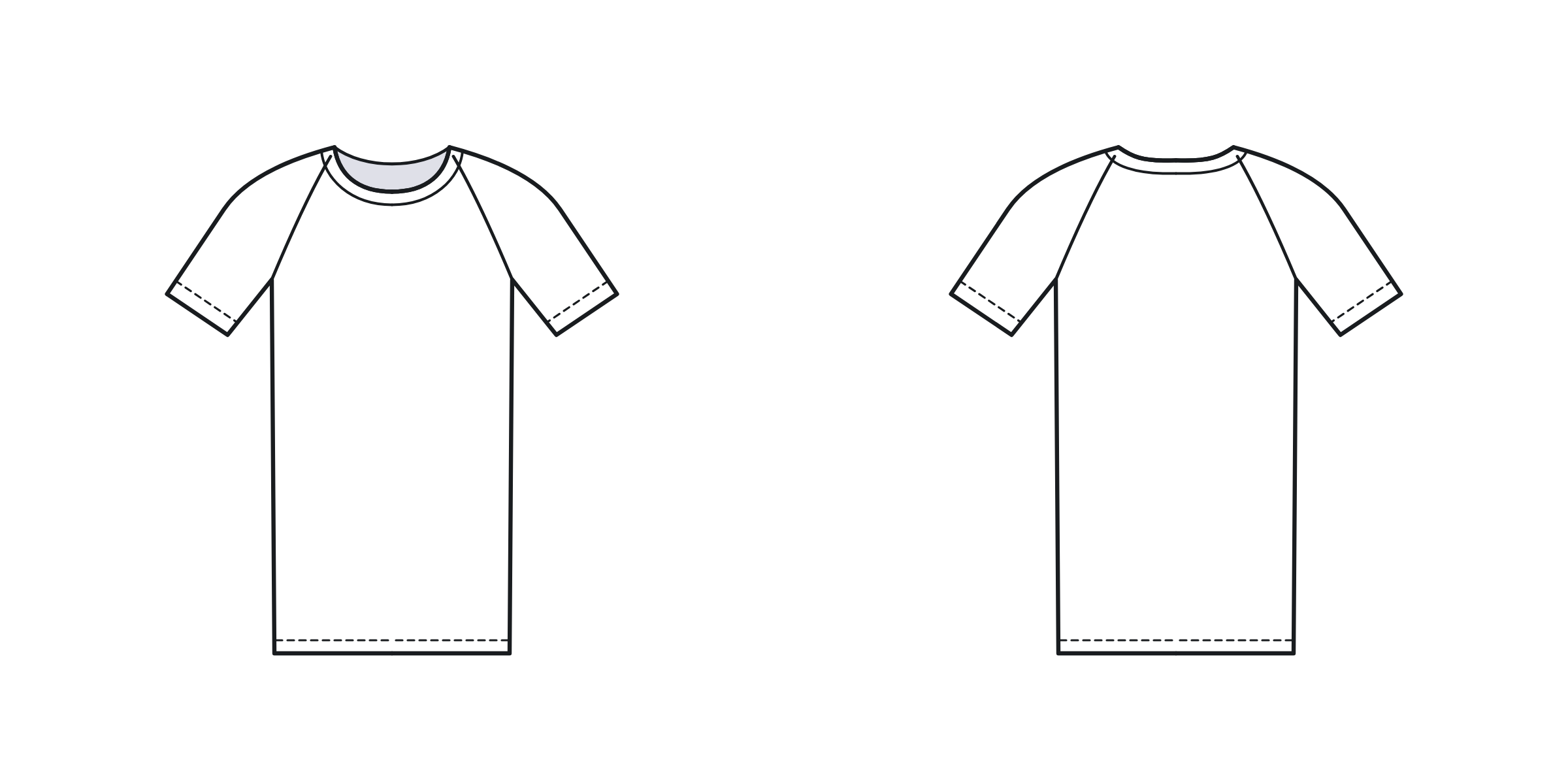
The sleeve seam runs from the neck to the underarm, front and back.
Which file to use
Use the SVG if your program can open vector files, the PNG if it cannot, and the PDF if you want to draw on paper.
| File | Opens in | What you get |
|---|---|---|
| SVG (vector) | Adobe Illustrator, Inkscape, Figma, Affinity Designer, CorelDRAW | Stays sharp at any size. Every line can be moved, recoloured or deleted. The front and the back are separate groups. |
| PNG (picture) | Canva, Procreate, Photoshop, PowerPoint, Google Slides, Word | 2400 by 1200 pixels with a see-through background, so it sits on any colour. The garment itself is filled white. |
| PDF (print) | Any printer, on A4 or US Letter paper | One style to a page, front and back, with room to draw. All the styles are in one file. |
How to use a T-shirt template
- Pick the style closest to your idea. Change the outline before you add artwork: the length, the sleeve, the neck. It is quicker to move a line than to redraw a print.
- Put the artwork on its own layer. Keep the outline underneath and locked. On paper, draw in pencil first.
- Design the back as well as the front. A back neck print, a label and a hem tag are decided here, and they are the parts most often forgotten.
- Add colour last. Fill the body, then the rib and trims, and note each colour by name or Pantone number beside the drawing.
- Write the callouts. Draw a thin line from each detail to a short note: the stitch, the print method, the size of the artwork in centimetres.
For the names of the parts you are drawing, see Types of hoodies and T-shirts, Types of necklines, Types of sleeves and What is jersey fabric?.
What a factory needs as well as the drawing
An outline shows the shape and where things sit. It is not to scale, so it cannot tell a factory how wide the chest is or how long the body is. For that you add measurements: chest width, body length, shoulder width, sleeve length and the rest, each with a tolerance.
It also cannot show the fabric. A T-shirt in 160 GSM jersey and the same outline in 240 GSM jersey are two different garments. Name the fabric, its weight and its colour beside the drawing.
For a print or an embroidery, mark its size in centimetres and its distance from a fixed point, such as the centre front and the point where the shoulder meets the neck. Placed by eye on a template, a chest print lands in a different place on every size.
The drawing plus those details is a tech pack. Our free T-shirt tech pack template has a box for this drawing and tables for everything else, and the online tech pack builder lets you upload the finished drawing and save the whole pack as a PDF. To take the measurements, follow how to measure a T-shirt and a hoodie.
For teachers and students
The PDF prints one style to a page with space around it, so it works as a handout for a design lesson, a textiles project or a fashion course brief. Students can draw a range on the outlines, label the seams and stitches, and turn one design into a tech pack with the template above.
You do not need to ask before using the templates in class or in coursework. If you publish work that includes them, a credit to Collective Studio is appreciated.
What you may do with them
- Use them in your own designs, mock-ups, tech packs and presentations, for personal or commercial work.
- Change them in any way: redraw lines, add details, recolour.
- Print them and hand them out in a classroom or a workshop.
- Please do not sell or re-publish the template files themselves as your own.
Other free templates
- Hoodie templates, front and back, in the same three file types
- T-shirt tech pack template, in PDF and Excel
- General tech pack template, for any garment
- Line sheet template, for selling to shops
What clients say
Best supplier! On time, reliable and perfect craft.
Collective Studio is up and coming. Very hard working people who want to please their customers and grow partnerships together. Homaira is very knowledgeable in the knit industry and always willing to learn more. We are looking to grow our business with them.
Frequently asked questions
Are these T-shirt templates free to use?
Yes. You can use the templates in your own designs, mock-ups, tech packs, coursework and lesson handouts, for personal or commercial work, at no charge and without signing up. The one thing we ask is that you do not sell or re-publish the template files themselves as your own. A credit or a link to this page is welcome and is not required.
Which T-shirt template file should I download?
Download the SVG if you design in Illustrator, Inkscape, Figma or Affinity Designer: it is a vector file, so it stays sharp at any size and every line can be edited. Download the PNG for Canva, Procreate, Photoshop, PowerPoint or Google Slides: it is 2400 by 1200 pixels with a see-through background. Download the PDF to print on A4 or US Letter paper and draw by hand.
What is the difference between a T-shirt template and a mock-up?
A T-shirt template is a flat line drawing used to plan a design and to brief a factory. A mock-up is a photograph or a 3D picture of a T-shirt with your artwork placed on it, used to show customers what the finished shirt will look like. Design on the template first, then use a mock-up to sell it.
Can I use a T-shirt template in a tech pack?
Yes. The front and back outline is the technical sketch that opens a tech pack. Add your artwork and callouts to it, then add the measurements, fabric, colours, labels and packaging. Our free T-shirt tech pack template has a sketch box for exactly this, and our online tech pack builder lets you upload the finished drawing.
Do I need a template to have T-shirts made?
No. Collective Studio works from a tech pack, a sketch or a garment to match, so a drawing on one of these templates with measurements written on it is enough to start. Our minimum is 150 pieces per style and per colour, sampling takes about 10 days, and production takes 40 to 50 days after the sample is approved.
Download all 5 to print (PDF)T-shirt manufacturingSend us your design